
Truck Repair Shop Software for Heavy-Duty Shops
Replace disconnected spreadsheets, paper work orders, and separate billing tools with one browser-based system for customers, vehicles, estimates, service work, parts, purchasing, invoicing, payments, and reporting.
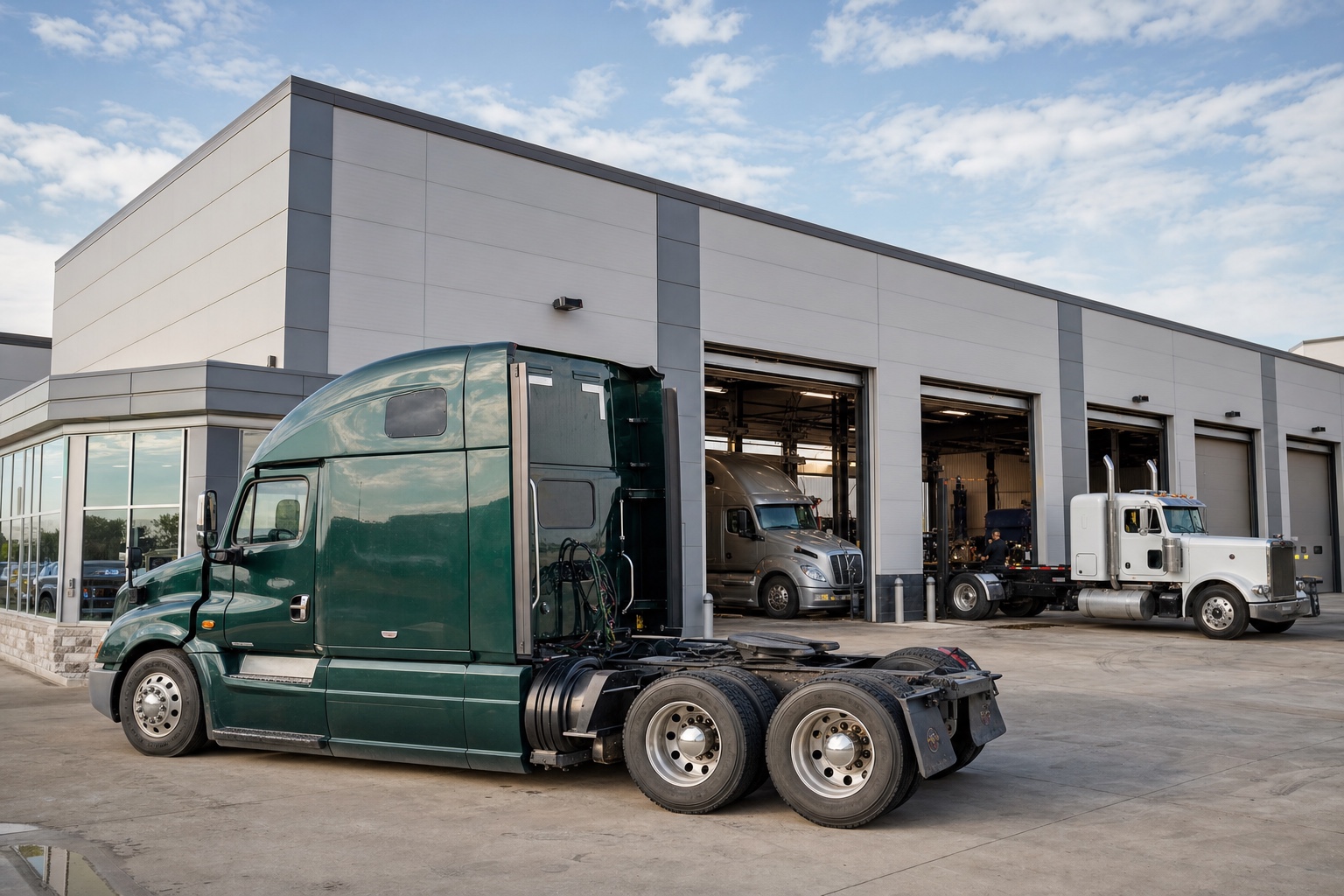
Truck Repair Shop Management Software
Give your team one place to manage fleet customers, vehicles, estimates, service work, technician assignments, parts, notes, photos, checklists, and invoice details.
Keep Customer and Vehicle Records Together
Keep fleet contacts, unit numbers, VINs, odometer and engine-hour readings, service history, and preventive maintenance information on connected records.
Move Work Through Clear Service Stages
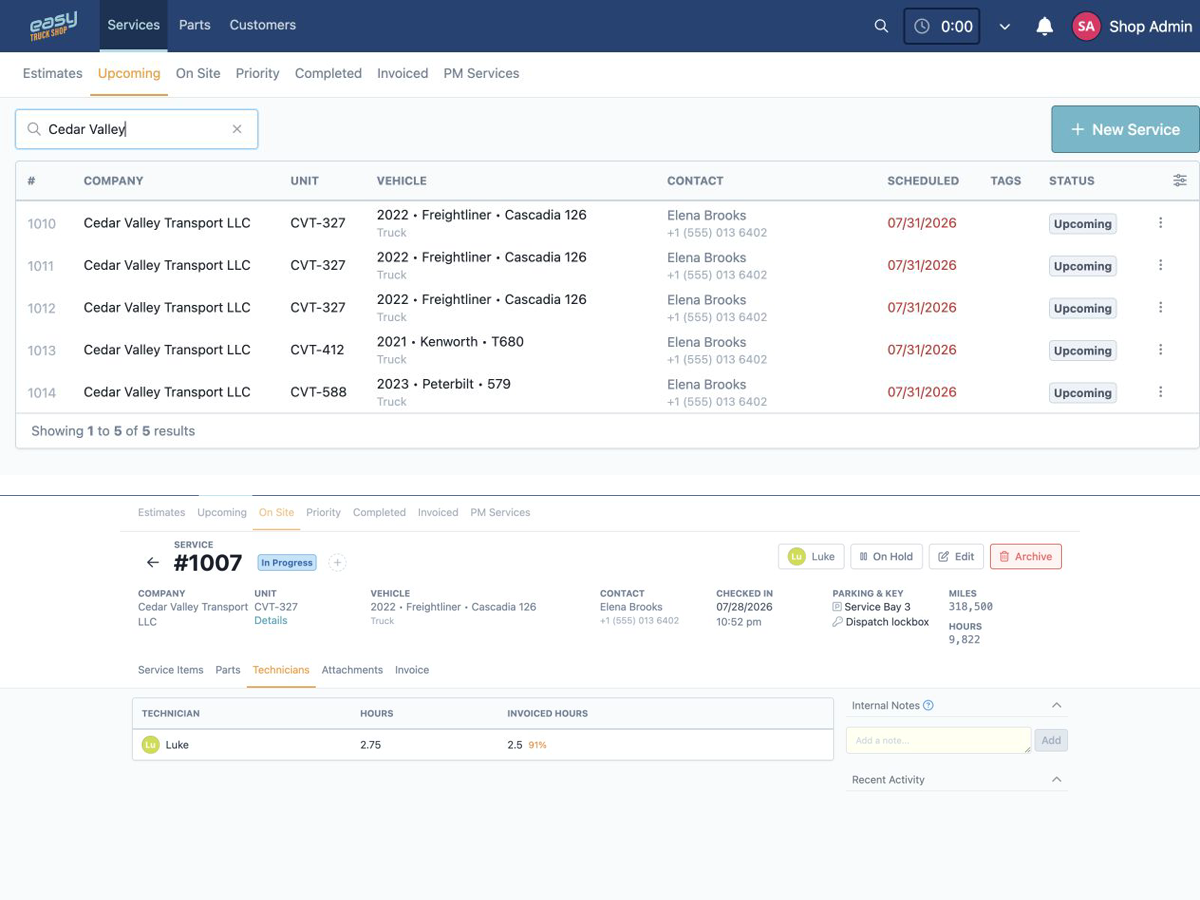
Track repair work across estimate, upcoming, on-site, priority, completed, and invoiced views so the front office can see what needs attention.
Document the Work in One Place
Keep service items, technician notes, photos, attachments, parts, checklists, and added recommendations close to the work order instead of scattered across paper, texts, and spreadsheets.
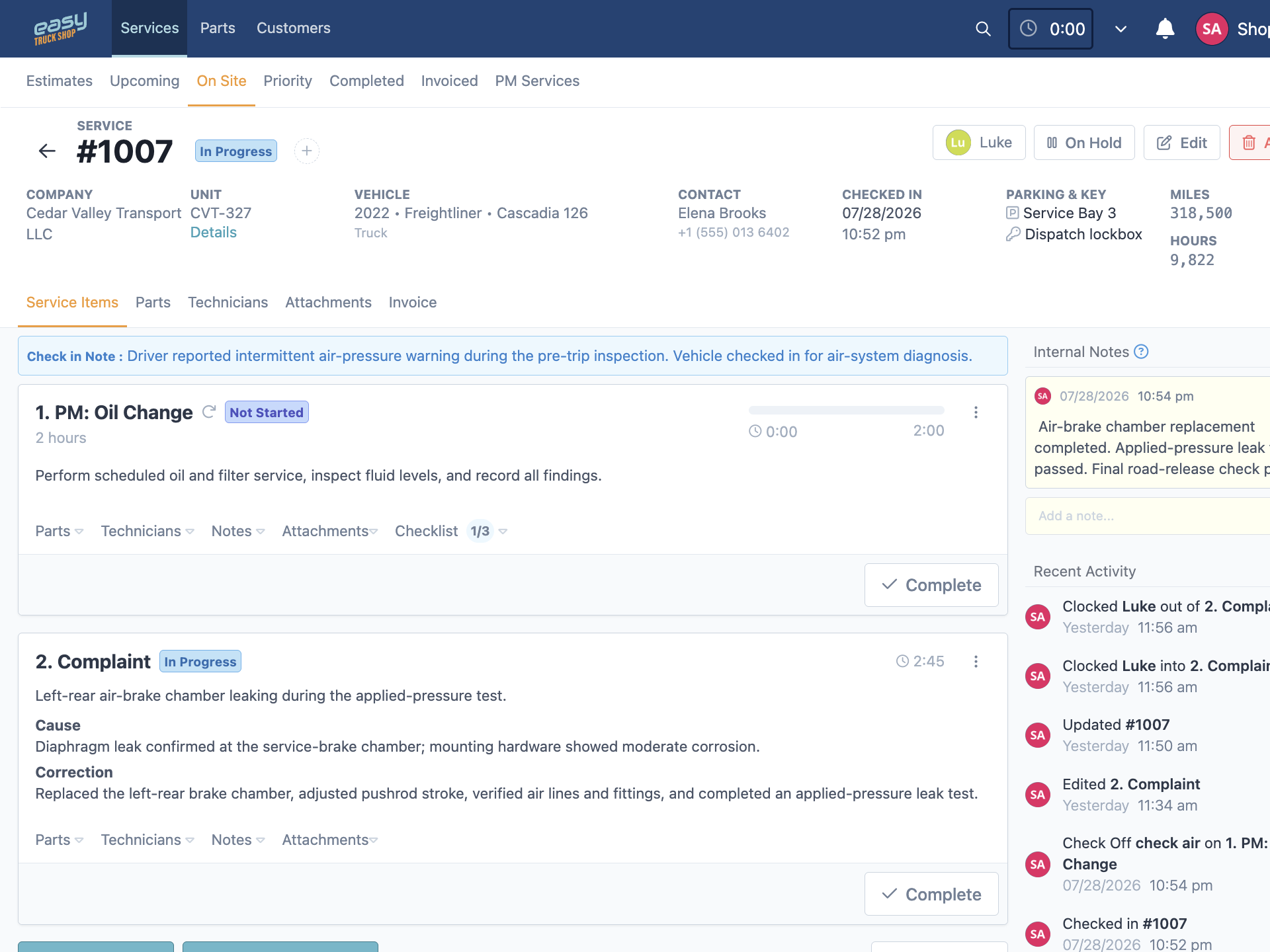
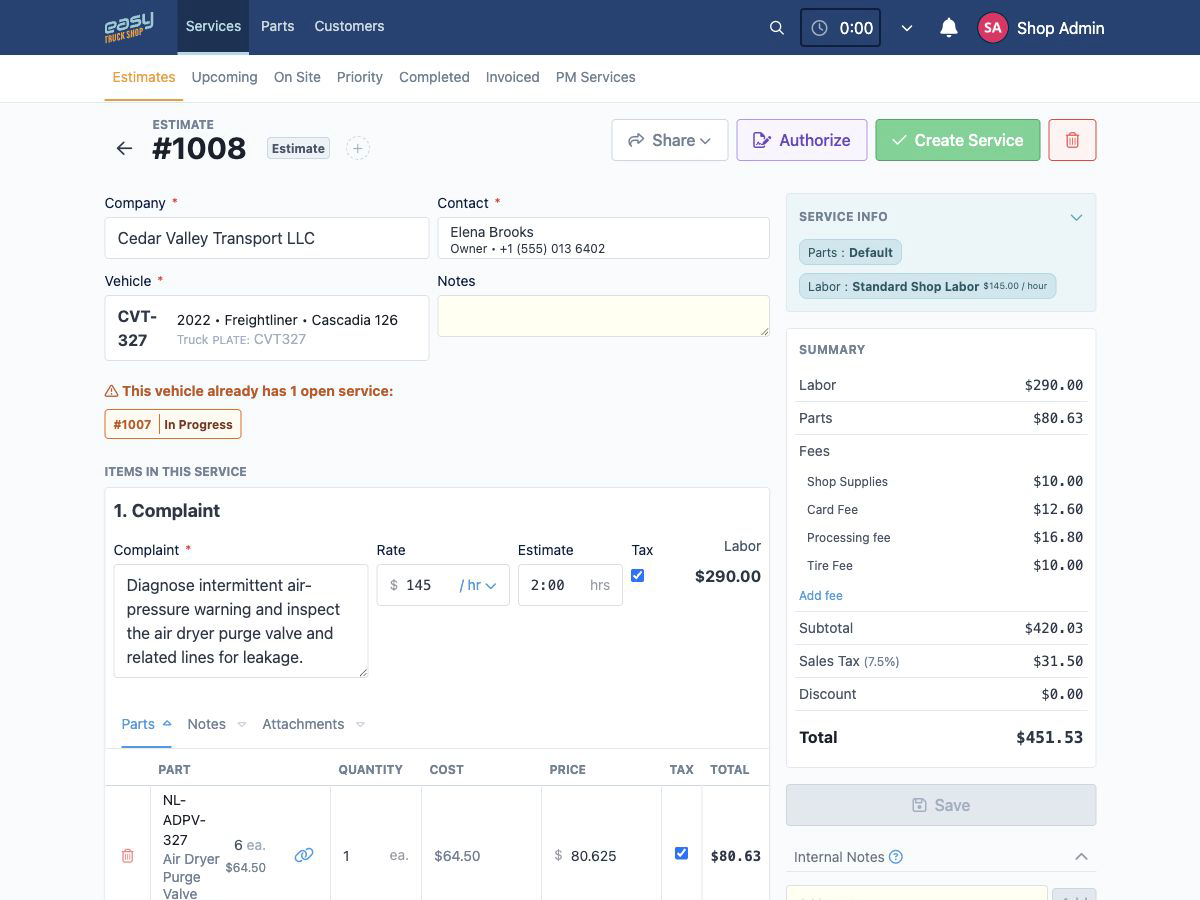
Truck Repair Estimate Software
Create detailed estimates with labor, parts, fees, discounts, and shop supplies, then send an authorization link so customers can review and approve work before repairs move forward.
Build Estimates From Your Shop’s Pricing
Use saved labor rates, parts pricing matrices, fees, discounts, and service templates to create more consistent estimates for each customer and job.
Send Estimates for Digital Authorization
Share an authorization link so the customer can review the proposed work, pricing, notes, and attachments and approve the estimate online.
Carry Approved Work Into Invoicing
Convert approved estimates into invoices while keeping labor, parts, fees, discounts, and customer details close to the same repair job.
Truck Parts Inventory Software
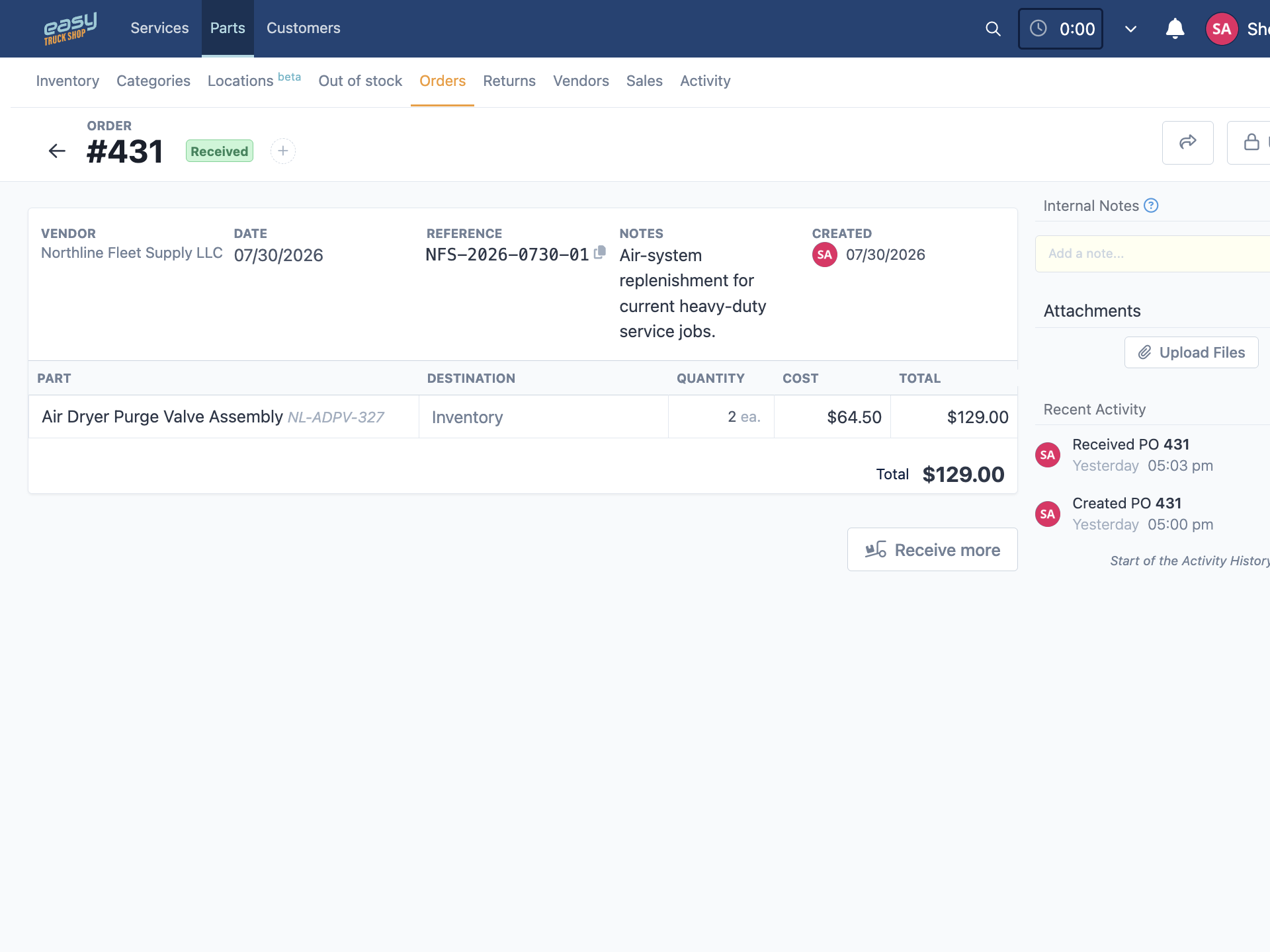
Connect parts inventory with work orders, parts sales, purchase orders, receiving, returns, and pricing so your team has better visibility before a shortage delays a repair.
Monitor Low-Stock and Out-of-Stock Parts
Use low-stock and out-of-stock alerts to collect replenishment needs from service work, parts sales, and inventory in one queue.
Turn Replenishment Needs Into Purchase Orders
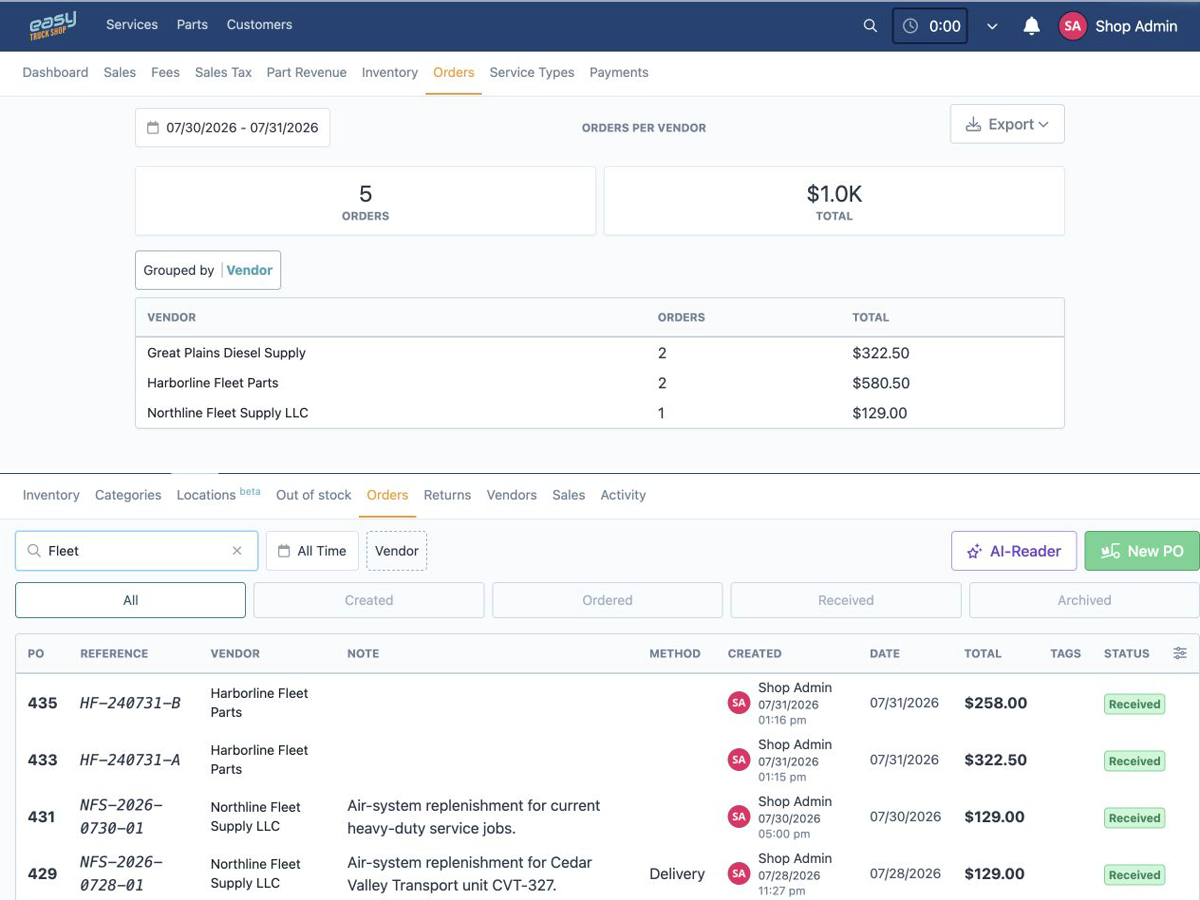
Select requested parts, create vendor purchase orders, add quantities and costs, track order status, receive parts into inventory, and manage vendor returns.
Identify and Add Parts With QR Codes
Print and scan QR codes to identify parts and add them to work orders from a mobile device, helping the team keep part usage close to the repair record.
Truck Repair Invoicing and Payment Software
Keep billing connected to the repair
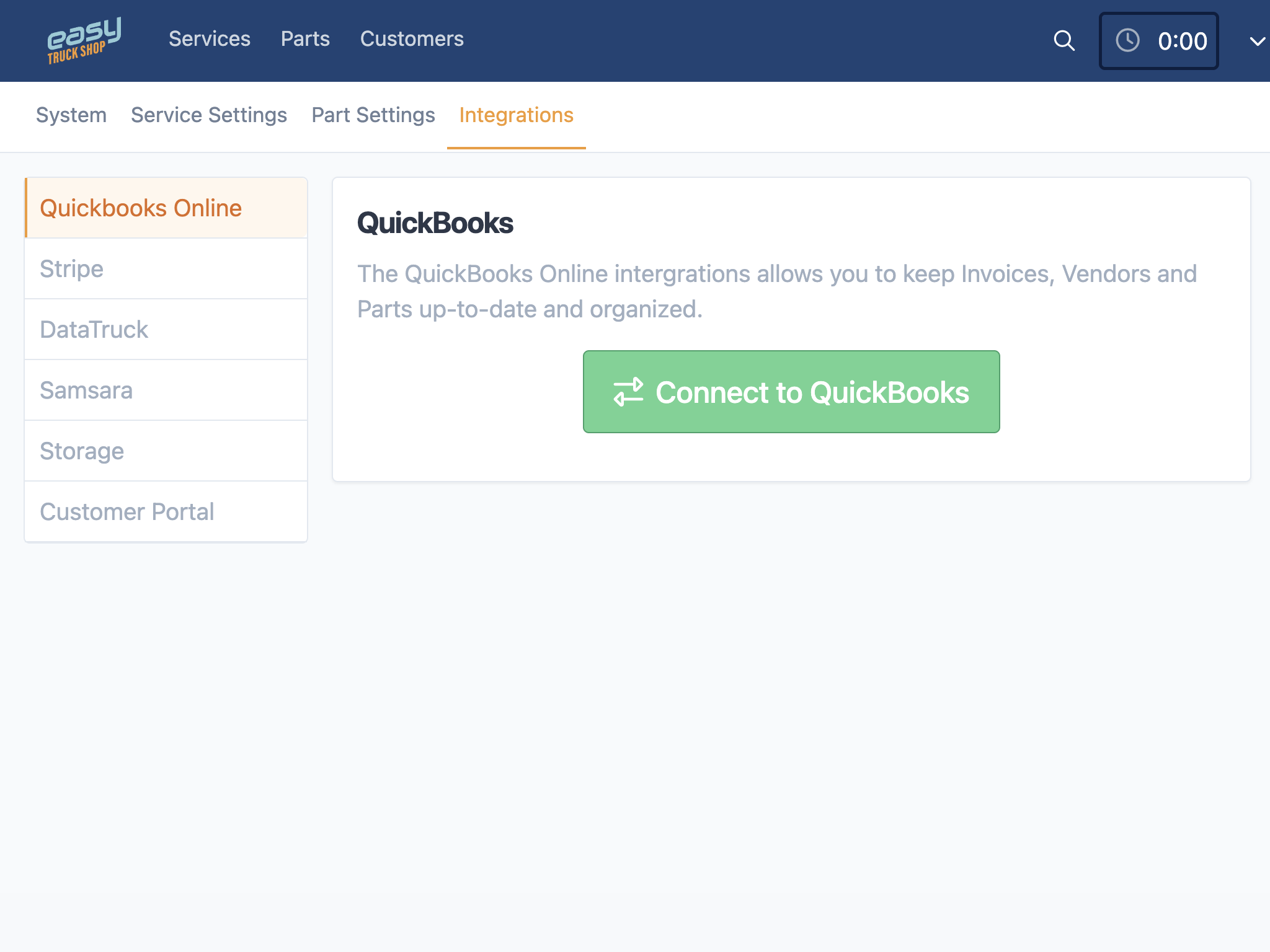
Create invoices from repair details, send them digitally, accept online payments through Stripe, and connect billing with QuickBooks.
Build Invoices From the Repair Record
Keep approved services, labor, parts, fees, discounts, taxes, and shop supplies close to the invoice instead of rebuilding the job from paper notes or spreadsheets.
Send Secure Online Payment Links
Send customers a secure payment link through the Stripe payment workflow so they can review the invoice and pay online.
Connect Billing With QuickBooks
Use the QuickBooks integration to keep billing closer to your accounting process and reduce duplicate entry. The integration setup determines which records are covered.
Truck Repair Shop Reporting Software
See labor, parts, sales, and purchasing in context
Review shop activity across service work, technician time, inventory, purchasing, sales, fees, and taxes without rebuilding reports from separate spreadsheets.
Review Sales and Service Performance
Review billed work, service types, fees, taxes, costs, and other operational details to understand where revenue is coming from and what needs attention.
Monitor Parts and Purchasing
Review parts revenue, margins, inventory activity, stock value, vendor orders, and aged inventory to investigate purchasing and inventory issues.
Track Technician Time and Productivity
Use timesheets, timelines, labor reports, and worked-versus-invoiced views to review technician activity and investigate gaps.
Truck Repair Scheduling and Workflow Software
Keep work visible from the front office to the shop floor
See what is upcoming, on site, in priority, completed, or invoiced, then adjust technician assignments as work changes.
Assign Work With Drag and Drop
Use drag-and-drop controls to assign or reassign service tasks and adjust the active workload as priorities change.
Track Time and Service Progress
Follow task status, clocked time, service timelines, notes, and attachments so managers can see where work is moving and where it is waiting.
Access ETS in a Modern Web Browser
Access ETS through a modern web browser on desktop, tablet, or mobile devices. The responsive interface gives owners and managers access to core pages away from the desk.
Customer testimonials
What our customers are saying
Dave Taylor
Pro Truck Shop, LLC
.svg.png)
Amber Wagler
Schurter Trucking, LLC
