
QuickBooks Integration connects Easy Truck Shop to QuickBooks Online. Your shop keeps working in Easy Truck Shop, and the accounting data lands in QuickBooks without anyone typing it in twice.
What it does
- Sends finished work to your books. Closed invoices, payments and credit notes go from Easy Truck Shop to QuickBooks Online.
- Keeps customers and vendors in step. Customers are sent to QuickBooks, and received purchase orders go over as vendor bills.
- Brings payments back. Payments recorded in QuickBooks come back to Easy Truck Shop, so open balances match in both places.
How to use it
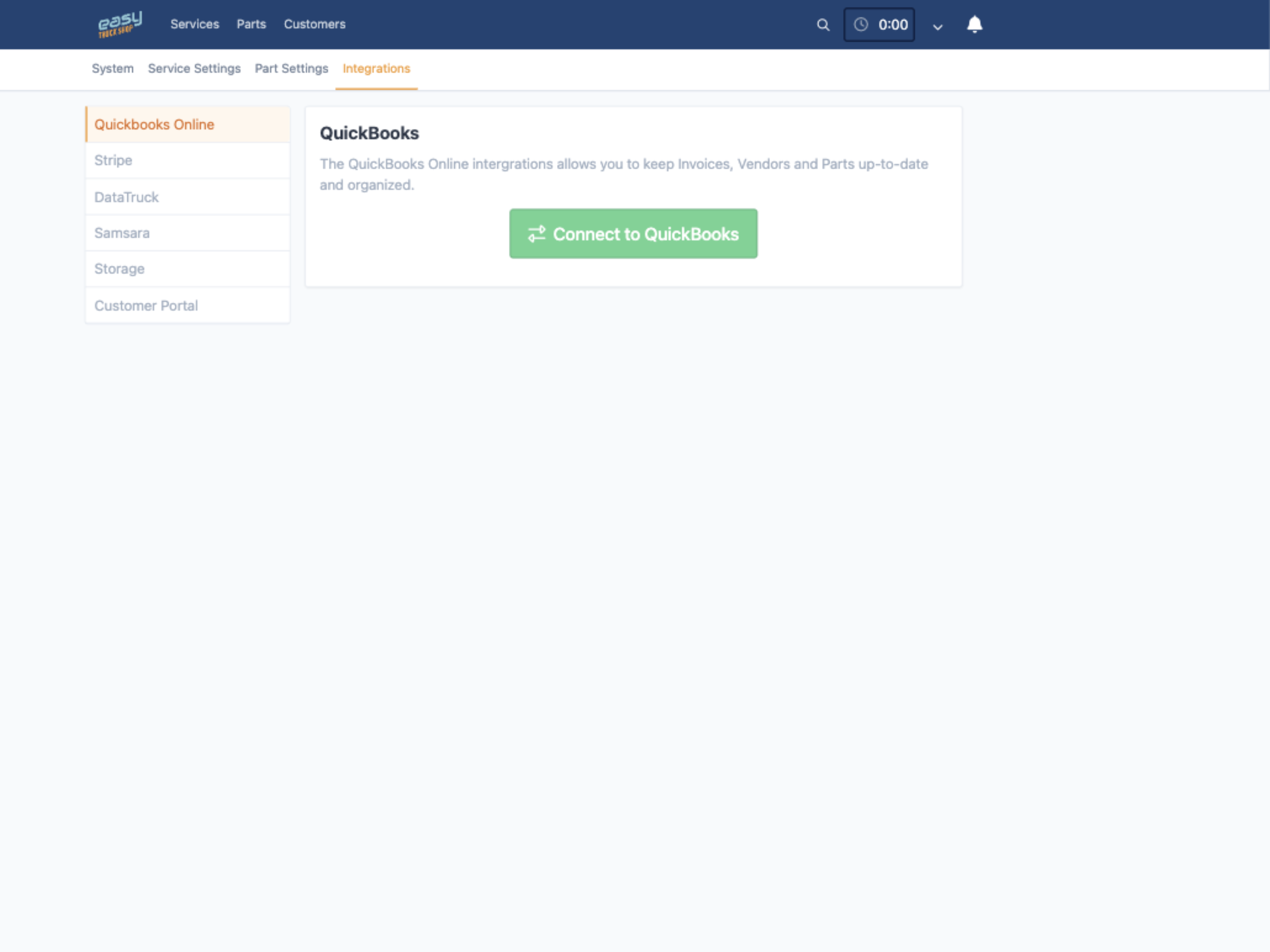
- Open Integrations in your shop settings and choose QuickBooks Online.
- Click Connect to QuickBooks and sign in to your QuickBooks Online company.
- Close invoices in Easy Truck Shop as usual, then check them in QuickBooks.
The integration works with QuickBooks Online only. QuickBooks Desktop is not supported.
Learn more
Read the full guide to QuickBooks for truck repair shops, or book a demo to see the integration with your own data.