

Service Authorization gets the customer's approval for a repair before your team starts work. Send the estimate for approval by email, or record that the customer approved it by phone or at the counter.
What it does
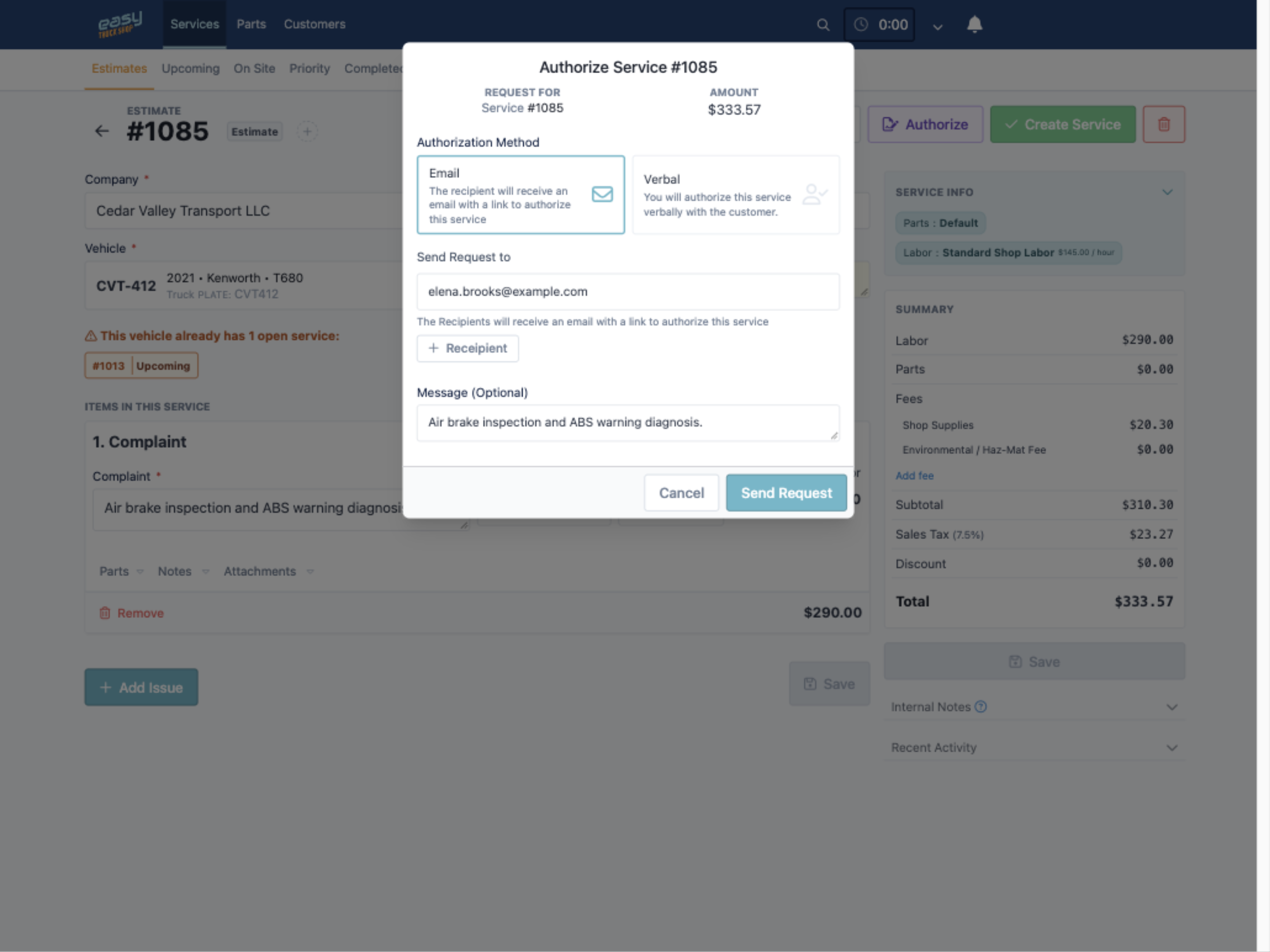
- Sends an approval link. The customer gets an email with the estimate amount and a link to authorize the service.
- Records verbal approvals. When a customer says yes on the phone or in person, you mark the service as authorized verbally.
- Reaches the right people. Add more than one recipient and a short message that explains the work.
How to use it
- Open the estimate and click Authorize.
- Choose Email or Verbal as the authorization method.
- For email, check the recipient, add an optional message and click Send Request.
Learn more
Read how approval links help protect your shop from chargebacks, or book a demo to try it on a real estimate.