
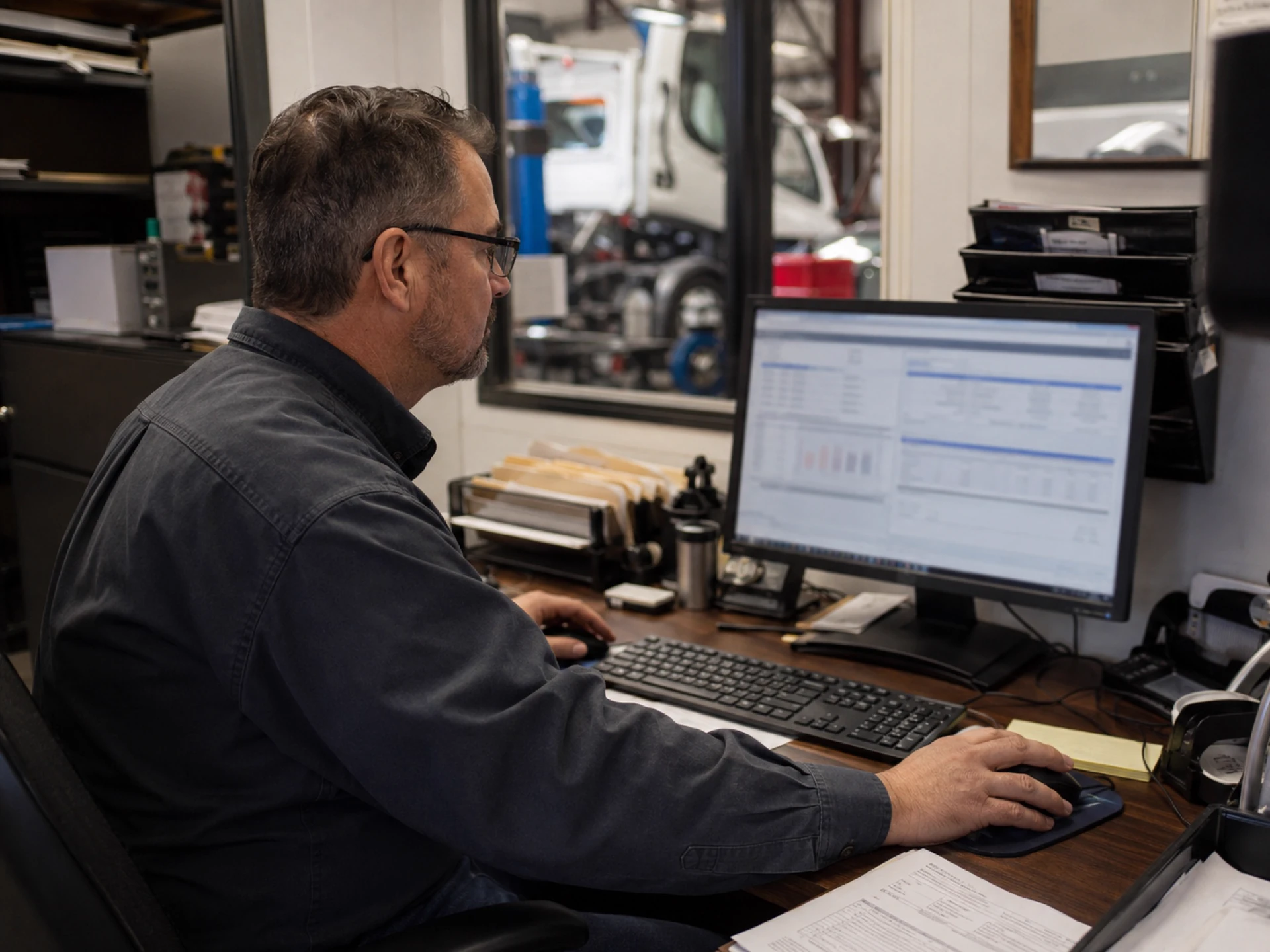
Truck repair shop invoicing software helps heavy-duty repair shops turn approved estimates and job details into invoices. It keeps labor, parts, fees, discounts, taxes, customer details, payment links, payment status, and accounting records close to the same repair job, including sync with QuickBooks.
For many shops, the expensive part is not creating the invoice. It is everything that happens before and after it: finding final labor notes, checking which parts were used, making sure fees were added, sending the invoice late, waiting for payment, and then entering the same data again in accounting.
That is where small billing gaps become lost margin and slower cash collection. A part gets used but not billed. Technician time does not match the job notes. A fleet customer waits days for an invoice. A payment comes in, but the office still has to match it back to the customer, unit, invoice, and accounting record.
What Is Truck Repair Shop Invoicing Software?
Truck repair shop invoicing software is a system for creating, sending, tracking, and reconciling invoices for truck repair jobs.
For a heavy-duty repair shop, invoicing should not be disconnected from the rest of the repair workflow. The invoice needs to reflect what actually happened on the job:
- The original estimate
- Customer approval
- Work order details
- Labor time
- Parts used
- Shop supplies
- Fees and discounts
- Taxes
- Payment status
- Accounting records
A basic invoice tool can create a bill. That may work for simple jobs. Truck repair is different because the final invoice has to match the estimate, work order, technician notes, parts inventory, approvals, fleet account, and accounting record.
The goal is not just to make a nice-looking invoice. The goal is to make invoices easier to review, send, pay, and match to the shop's records.
Why Generic Invoicing Tools Fall Short for Truck Repair Shops

Generic invoicing tools are built for simple billing. A truck repair shop needs more than a blank invoice template.
Heavy-duty jobs change as work moves. A job may start as an estimate, become a work order, need extra parts after inspection, and end as a final invoice. That invoice has to match what the customer approved and what happened on the truck.
When the invoice is created in a separate tool, the office often has to rebuild the job manually from technician notes, parts tickets, texts, handwritten changes, and spreadsheets. That usually creates the same set of problems: slower billing, missed charges, extra payment follow-up, duplicate accounting entry, and weaker records.
A missed part or labor line is not just an admin mistake. Once the truck leaves and the customer has the invoice, recovering that revenue becomes harder.
If repairs are done but invoices go out late, cash flow slows down. If invoices go out fast but miss parts or labor, margin disappears. If everything has to be re-entered into QuickBooks, the office is doing the same job twice.
Truck repair shop invoicing software should help with all three: billing speed, billing completeness, and cleaner records.
Must-Have Features in Truck Repair Shop Invoicing Software
Good truck repair invoicing software should support the path from estimate to payment without forcing the office to rebuild the job in separate tools.
Convert Estimates Into Invoices

Many repair jobs start with an estimate. The customer approves the expected work, then the shop completes the repair.
Your software should make it easy to convert an approved estimate into an invoice instead of rebuilding the invoice from scratch. This helps the office keep billing consistent with what the customer already saw and approved.
Easy Truck Shop's truck repair estimating software supports estimate approval workflows and allows approved estimates to be converted into invoices. This is important because invoicing should be a continuation of the repair process, not a separate admin task.
Pull Parts and Labor From the Work Order
Truck repair invoices need to show the work that was actually done. That usually means labor, parts, and other job-related charges.
If technicians log labor and parts in one place, but the invoice is built somewhere else, staff have to copy job details manually. That is where missed billing happens.
A connected invoicing process keeps the estimate, repair order, parts, technician time, and invoice tied to the same job. When the job is ready to bill, the office should not have to build the invoice from technician notes, parts tickets, texts, and handwritten changes.
Add Fees, Discounts, Taxes, and Shop Supplies
Truck repair billing is not always a simple parts-plus-labor invoice.
Your shop may need to add:
- Shop supplies
- Environmental fees
- Core charges
- Taxes
- Fleet discounts
- Customer-specific pricing
The software should make those items easy to add before the invoice goes out, so the office does not rely on memory or manual notes. Easy Truck Shop's estimating feature includes customizable fees and discounts, which helps shops keep those charges visible before the job reaches the invoice stage.
Send Digital Truck Repair Invoices by PDF or Email
Customers should not have to wait for paper invoices or phone calls. Truck repair invoicing software should let your team send invoices digitally.
In Easy Truck Shop, estimates and invoices can be downloaded and shared as PDFs by email. For office managers and fleet customers, that keeps the invoice tied to a clear written record.
Secure Online Payment Links

An invoice is more useful when the customer can pay it immediately.
Payment links let shops send a secure link with the invoice so the customer can pay online. A fleet customer can pay from the invoice link instead of calling in a card number, mailing a check, or waiting for someone to process payment later.
Easy Truck Shop includes payment links through its Stripe payment processing workflow, giving customers a direct way to pay from the invoice.
Repair Shop Payment Processing With Stripe
Stripe is useful when a repair shop wants to accept card or online payments from an invoice. But payment processing is only one part of the billing problem.
Stripe can process the payment, but it does not know which repair order the invoice came from, which unit was repaired, which parts were added, or whether the payment needs to sync back to accounting.
That is where shop invoicing software matters. Easy Truck Shop uses Stripe for payment processing while keeping the invoice tied to the repair job, customer, payment link, and accounting workflow.
QuickBooks Integration for Truck Repair Invoices
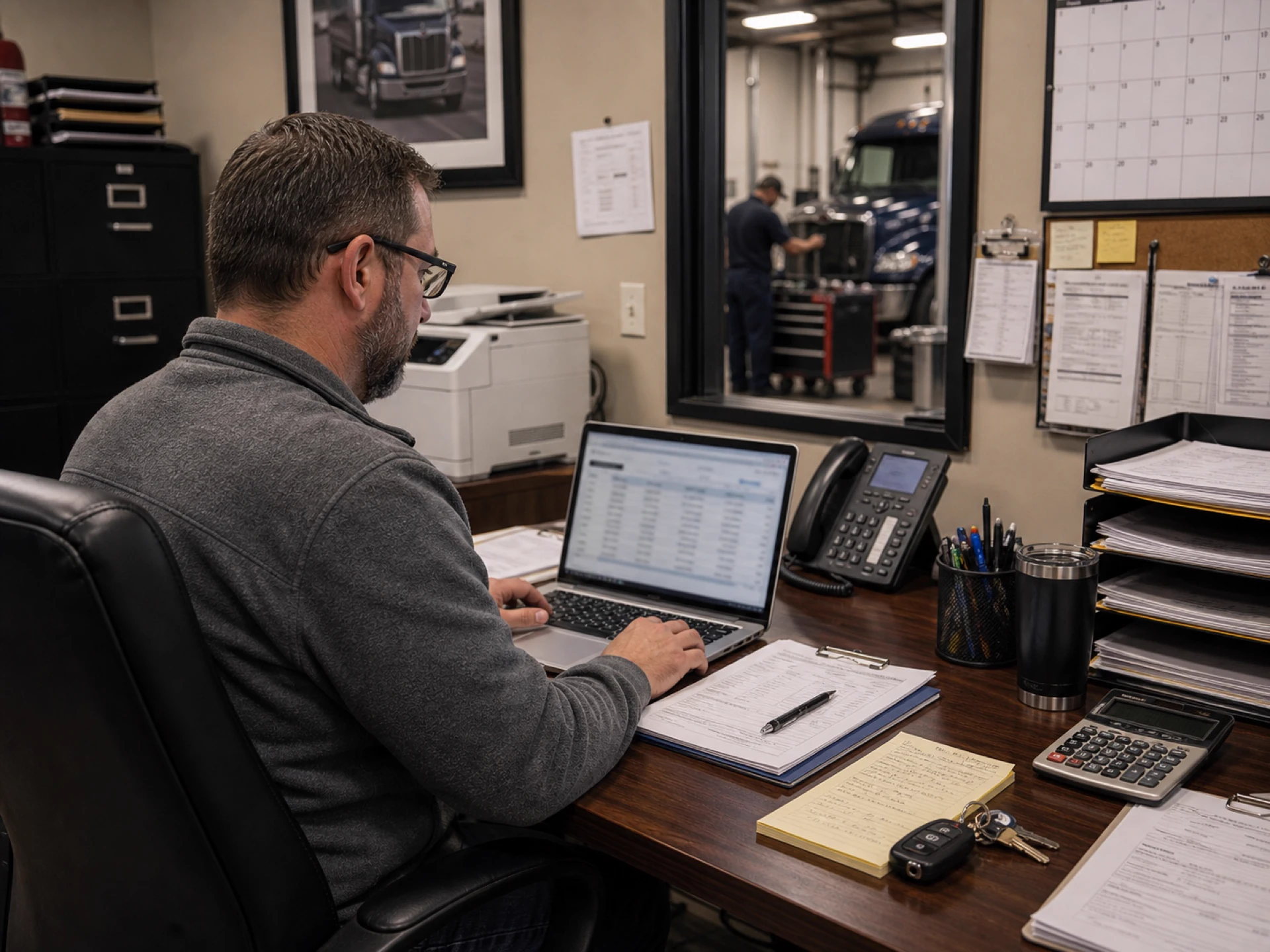
Many repair shops already use QuickBooks, but manual entry creates extra work. If the office has to create an invoice in the shop system and then recreate it in QuickBooks, the shop is paying twice for the same admin task.
Truck repair shop invoicing software cuts down on duplicate entry when invoice and payment data connect with QuickBooks.
Easy Truck Shop includes QuickBooks integration, keeping billing records closer to the shop's accounting process.
Payment Status Tracking
Once an invoice is sent, the office needs to know what happened next.
Was it unpaid? Was it paid? Does it need follow-up? Who is responsible for checking?
Without payment status visibility, staff waste time checking different systems and asking each other for updates. A better billing process keeps payment records close to the invoice so the team can see what still needs attention.
Invoice and Payment History
Fleet customers, repeat customers, and internal shops all need clear records. When a customer asks about a past job, the team should be able to pull up the invoice, payment, vehicle, work order, and notes in one place.
This matters for disputes, repeat repairs, warranty questions, and monthly account review.
Reporting for Sales, Costs, and Cash Flow
Invoicing data should help the shop understand performance.
Look for reports that show what was billed, what was collected, which jobs made money, and where revenue may be leaking.
Stripe vs QuickBooks vs Truck Repair Invoicing Software
Stripe, QuickBooks, and shop invoicing software each solve a different part of the problem.
This is where many shops choose the wrong tool for the job.
If a shop only adds Stripe, customers may be able to pay online, but the invoice can still be disconnected from the work order. If a shop only uses QuickBooks, accounting may be organized, but the office may still have to build the invoice from technician notes, parts tickets, texts, and handwritten changes.
The stronger setup connects all three: repair workflow, payment processing, and accounting.
Estimate-to-Invoice Workflow for Truck Repair Shops
A good billing process should be simple enough for the office, service manager, and technicians to trust.
Here is what the process can look like:
- Customer requests repair.
- The shop creates an estimate with labor, parts, shop supplies, fees, and discounts.
- Customer approves the estimate.
- The approved estimate becomes the basis for the repair job.
- Technicians complete the work and record labor, added parts, and approved changes.
- The office reviews the job before billing.
- The approved estimate and final job details become the invoice.
- The invoice is sent as a PDF by email.
- The customer pays through a Stripe-powered payment link.
- Payment status is reviewed by the office.
- Invoice and payment data are matched with QuickBooks based on the shop's integration setup.
That process is hard to maintain with paper, spreadsheets, and separate payment tools. The more your shop grows, the more disconnected billing slows the front office down.
How to Choose Truck Repair Shop Invoicing Software
Once the roles are clear, use this checklist to judge whether the software can handle the full billing process, not just create a basic invoice.
If the software only creates invoices, it may not be enough. For truck repair, invoicing should connect to the job, the customer, the parts, the payment, and the accounting record.
How Easy Truck Shop Handles Truck Repair Invoicing and Payments
In Easy Truck Shop, invoicing starts before the final bill is created. A shop can build an estimate with labor, parts, shop supplies, fees, and discounts, get the work approved, then convert the approved estimate into an invoice when the job is complete.
With Easy Truck Shop, heavy-duty repair shops can:
- Convert approved estimates into invoices
- Download and share invoices as PDFs by email
- Add fees and discounts during the estimate/invoice process
- Generate Stripe-powered payment links
- Process payments through Stripe
- Connect billing records with QuickBooks
That matters on heavy-duty jobs where the final bill can change after diagnostics, parts availability, added repairs, or fleet approval. The office should not have to rebuild the invoice from technician notes, parts slips, or separate spreadsheets after the truck is ready.
Request a demo to see how Easy Truck Shop takes a repair from estimate to invoice, payment link, and QuickBooks sync.
Frequently Asked Questions
What is truck repair shop invoicing software?
Truck repair shop invoicing software helps repair shops create, send, track, and reconcile invoices for repair work. For heavy-duty shops, it should keep invoices close to estimates, work orders, labor, parts, payments, and accounting tools like QuickBooks.
What is the best invoicing software for a heavy-duty truck repair shop?
The best fit is usually software that supports the repair process, not just invoice creation. Look for estimate-to-invoice conversion, parts and labor billing, PDF/email invoices, payment links, payment status visibility, QuickBooks integration, and reporting.
Can truck repair software convert estimates into invoices?
Yes. Easy Truck Shop converts approved estimates into invoices, keeping billing aligned with approved repair details.
Can customers pay truck repair invoices online?
Yes. With payment links and Stripe payment processing, customers can pay repair invoices online instead of calling in card details or mailing checks.
Does truck repair invoicing software work with QuickBooks?
Yes. Easy Truck Shop includes QuickBooks integration, so billing and accounting do not have to stay completely separate.
How is truck repair invoicing software different from QuickBooks?
QuickBooks is mainly for accounting. Truck repair invoicing software is meant to keep billing closer to the repair job: estimates, work orders, parts, labor, approvals, invoices, payment links, and shop records.
How is truck repair invoicing software different from Stripe?
Stripe processes online payments. Truck repair invoicing software manages the repair billing process around the payment: estimates, job details, invoices, customer records, payment status, and accounting connection.
Is Stripe enough for repair shop invoicing?
No. Stripe processes online payments, but it does not manage estimates, work orders, parts, labor, approvals, customer records, invoice history, or accounting sync. A truck repair shop still needs invoicing software around the payment processor.
Can truck repair invoices be created from work orders?
Some systems support invoice creation from work orders or job details. For truck repair shops, the important point is that the final invoice should match the approved work, technician notes, parts, and fees.
What is a payment link for a truck repair invoice?
A payment link is a secure link a shop can send with an invoice so the customer can pay online. In ETS, payment links are powered through Stripe payment processing.
What happens when the final repair differs from the approved estimate?
The invoice should reflect approved work plus any documented changes, added parts, fees, or customer-approved adjustments. This is one reason repair shops need invoicing tied closely to estimating and job records.
What should be included on a truck repair invoice?
A truck repair invoice should usually include customer information, vehicle or unit details, work performed, labor, parts, shop supplies, fees, discounts, taxes, payment terms, payment status, and a clear way to pay.
How does invoicing software reduce missed billing?
Invoicing software can reduce missed billing by keeping parts, labor, fees, and job details close to the invoice. This lowers the chance that staff forget to bill for technician time, added parts, shop supplies, or approved work.
Related Articles
Discover more articles on related topics to expand your knowledge.
How to Run a Successful Mechanic Shop: 21 Practical Tips

Truck Parts Inventory Software for Heavy-Duty Repair Shops
